
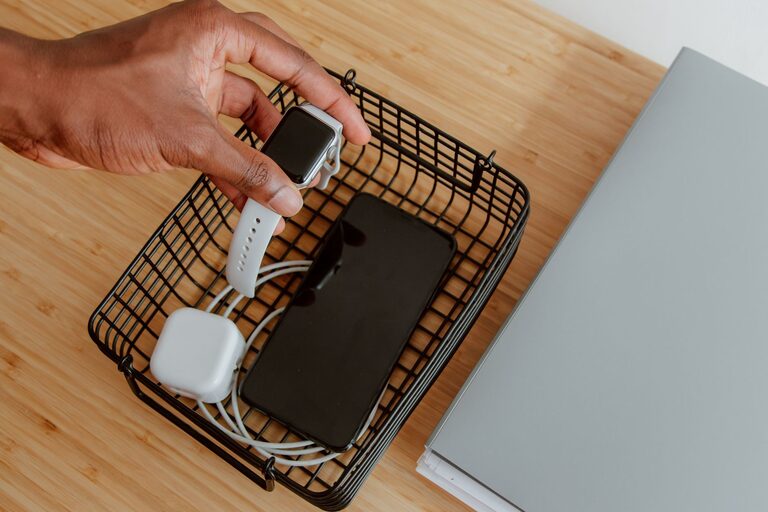
Creating a dedicated charging station for your devices can simplify your daily routine and reduce clutter. Whether you have smartphones, tablets, laptops, or other gadgets, having a central spot to charge them helps keep your space organized and ensures your devices are always ready to use. This guide will walk you through the steps to set up an effective and user-friendly charging station at home.
Why Set Up a Charging Station?
With the number of electronic devices in most households, cords and chargers can quickly become a tangled mess. A charging station provides:
– A single, convenient location for all devices
– Reduced clutter and better cable management
– Safer charging with less risk of cords getting damaged
– Easier monitoring of device battery levels
– A neat and tidy look to your living space
Planning Your Charging Station
Before assembling your station, take some time to plan out where and how it will work best for you.
Choose the Right Location
Select a spot that is:
– Easily accessible for all family members
– Near power outlets to avoid running long extension cords
– Away from areas prone to spills or heavy traffic
Common spots include a desk, kitchen counter, entryway table, or bedroom nightstand.
Assess Your Devices and Chargers
Make a list of all devices that need charging, such as:
– Smartphones and tablets
– Smartwatches and fitness trackers
– Wireless earbuds or headphones
– Portable gaming devices
– E-readers and cameras
Check what kinds of chargers and cables each device requires. Some may use USB-A, USB-C, Lightning cables, or proprietary chargers.
Decide on the Charging Station Type
There are various options for setting up a charging station:
– Multi-port USB chargers: Allow several devices to charge from one outlet.
– Charging docks or stands: Hold devices upright while charging.
– Cable organizers or boxes: Hide cords and keep them untangled.
– DIY setups: Use trays, baskets, or shelving to customize your station.
Consider your budget, style preferences, and the number of devices you want to accommodate.
Setting Up Your Charging Station
Once you have a plan, gather your materials and follow these steps to create your station.
1. Gather Supplies
Depending on your chosen setup, you might need:
– Power strip or multi-port USB charger
– Charging cables matching your devices
– Cable clips, ties, or organizers
– Small baskets, trays, or boxes
– Label maker or tags (optional)
– Mounting hardware if attaching to walls or under desks
2. Prepare the Area
Clear off the surface where your station will go. Clean the area to avoid dust and dirt buildup around your devices.
3. Arrange the Chargers and Power Sources
Plug in your power strip or USB charger close to the outlet. Place the charger in a stable spot where cords can easily reach your devices.
If you want a cleaner look, consider using a cable management box to hide the power strip.
4. Organize the Cables
Use cable clips or ties to group cables neatly and prevent tangling. Label cables if multiple people use the station to avoid confusion.
If possible, use cables of similar length to avoid excess slack.
5. Designate Spots for Each Device
Use trays, stands, or boxes to create individual charging “slots.” This keeps devices separated and reduces the chance of accidents, such as one device falling onto another.
For example:
– A vertical stand for smartphones and tablets
– Small baskets for smaller gadgets like earbuds
– Hooks or holders for cables not in use
6. Add Finishing Touches
Make the station visually appealing by:
– Adding decorative elements like plants or photos nearby
– Using color-coordinated organizers
– Keeping the area well lit
7. Teach Household Members How to Use It
Explain where devices should be placed and how cables are organized. This will help maintain order and ensure everyone benefits from the station.
Tips for Maintaining Your Charging Station
To keep your charging station effective over time:
– Regularly check cables for damage and replace if needed
– Clean the area weekly to remove dust
– Rotate chargers and cables if you upgrade devices
– Avoid overloading power strips to prevent electrical hazards
– Keep spare cables and chargers stored nearby
Additional Ideas
If you want to take your charging station further:
– Invest in wireless charging pads for compatible devices to reduce cables
– Add a small shelf or hooks for related accessories like headphones or chargers
– Use a timer plug to automatically cut power after a set time, saving energy
– Incorporate surge protectors to safeguard electronics
Conclusion
Creating a charging station is a practical way to bring order to the electronic chaos many of us face daily. By choosing the right location, organizing cables neatly, and designating areas for each device, you can ensure a clutter-free and efficient charging experience. Regular maintenance will keep your station working smoothly so your devices stay powered and ready when you need them. Start your setup today and enjoy a tidier, more convenient home charging solution!
About the Author